Movacar Help: Video Tutorials for Drivers and Fleet Managers


Video Guides
New here, or want to get to know the Movacar PRO app better? Here you'll find short video guides for drivers and fleet managers covering the most important features.
If you have any questions, reach us at service@movacar.de.
Video Guides for Drivers
Accepting a trip and entering pickup time
- In the "My Trips" menu, you'll see an overview of new, ongoing, and already accepted trips.
- To accept a new trip, click on the offer and review the details.
- Tap the arrow for more information about the trip, such as important notes or documentation fields.
- Once accepted, you can later document pickup and delivery and upload receipts.
- To accept the trip, you need to enter a pickup time within the given time window.
- Once you've entered and confirmed the time, the trip appears under "Accepted Trips."
Documenting vehicle pickup
- Under "Accepted Trips," you'll find all upcoming trips that still need pickup documentation.
- Click "Document Pickup" to start the first step of trip documentation.
- Enter the license plate, mileage, fuel level, and any accessories included with the vehicle.
- Document the vehicle's condition with at least four photos – either taken with the camera or uploaded from storage.
- Have both the driver and the customer confirm the pickup with their signature.
- Once everything is entered and signed, a green checkmark appears and you can click "Done."
Reporting an issue and uploading receipts
- During an ongoing trip, you can report issues or upload receipts directly from the trip view.
- Possible issue types include accidents, traffic jams, technical faults, waiting time, or driver unavailability.
- Once reported, the dispatcher and manager are notified automatically; once resolved, you can close the issue using the same button.
- Receipts can be photographed at any time or uploaded from your device's storage.
- When uploading, enter the amount and receipt type (e.g., fuel receipt) and click "Save."
- Once these steps are done, you can move on to documenting the delivery.
Documenting vehicle delivery and completing the job
- After handing over the vehicle, you need to document the delivery – this is done via the button in the "Delivery" section.
- Enter the current mileage, fuel level, and accessories – similar to the pickup process.
- Upload four different photos of the vehicle, either by camera or from storage.
- After uploading the photos, both the driver and the customer sign on the signature pad.
- Optionally, you can add comments or additional receipts (e.g., a fuel receipt).
- Once everything is done, click the green checkmark to fully complete the trip.
Introduction to driver status and qualifications
- Every driver now has a status – Bronze, Silver, or Gold – shown next to their name.
- The "Qualifications" menu has all the information about your status and the criteria behind it.
- Your status is based on three factors: completed trips, punctuality, and documentation quality.
- The status dashboard shows your current standing and the requirements for Bronze, Silver, and Gold.
- Under the "Basic Training" tab, you can see which modules you still need to complete.
- In "Additional Qualifications," you'll see missing and completed courses – you can start any missing ones right away.
Trip overview: required status, qualifications, combined trips
- In the new trip view, you can immediately see which status is required for each offer.
- Use the filters at the top to search specifically for trips with certain status requirements.
- Trips that require a higher status are greyed out and only become bookable once you've reached the required level.
- If additional qualifications are required, this is shown clearly – you can start the relevant test right away.
- Once you pass the test, the trip is unlocked and bookable.
- You'll recognize combined trips by a new icon – you can filter for them with a checkbox and plan them as a tour.
Video Guide for Managers and Dispatchers
Searching for and planning trips
- Trip overview: Under the "Trips" tab, you'll see up to 100 trips in the results list.
- Filters: You can filter by pickup location, delivery location, radius, and pickup date.
- Detailed info: The list shows the earliest pickup date, latest delivery date, connecting trips, and compensation.
- Trip details: One click gives you more information about the trip and its connecting trips.
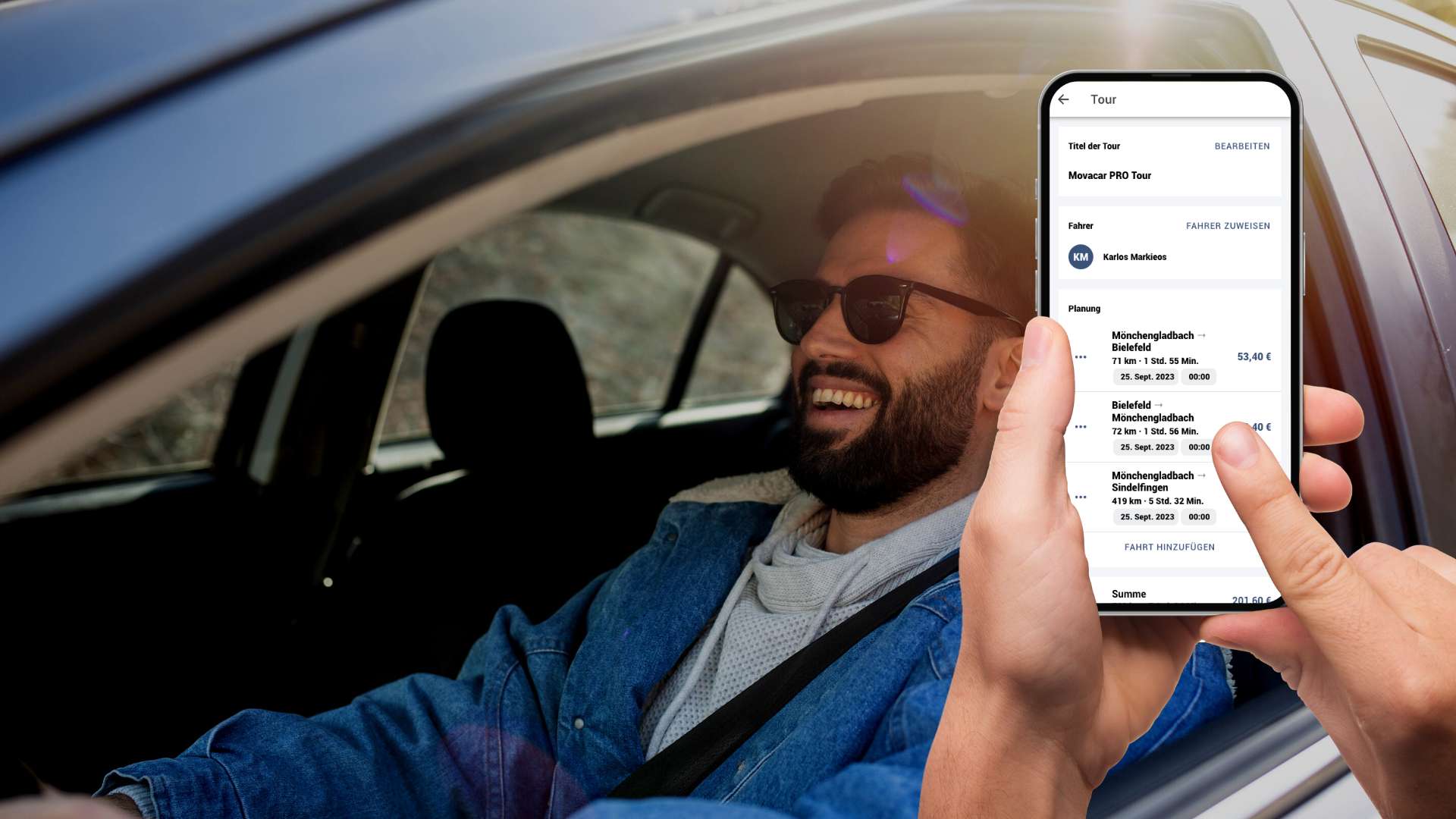
- Plan a tour: Use "Plan Tour" to add a trip directly into a new tour.
- Manage the tour: You can assign a title, assign a driver, and edit the tour.
- Book the tour: Booking automatically notifies the driver – further trips can still be added.
Status and qualifications when booking trips
- Status at a glance: In the driver overview, you can immediately see a driver's status and training progress (red = training missing, blue = all training complete).
- Check qualifications: One click shows you which additional qualifications a driver is still missing.
- Filter in "All Trips": Trips can now be filtered by driver status. Trips that can't be booked (missing status) are greyed out.
- Detail view with tour planning: When planning a tour, only drivers with all the required qualifications can be selected.
- Qualification check on assignment: Drivers without full qualifications are greyed out. A click shows exactly what's missing.
- New warning: If no driver has the required qualifications, you'll get a notification and can jump straight to the driver list.
- Start training right away: Drivers can see missing qualifications in their profile under "Additional Qualifications" and complete them directly via "Start Test."
Planning a tour
- Tour overview: Under the "Tours" tab, you'll see upcoming and already completed tours.
- Create a new tour: Click "New Tour," give it a name, and save.
- Assign a driver: You can select a driver for the tour right away.
- Add trips: Start planning by adding individual trips, e.g. Berlin–Sindelfingen.
- Connecting trips: You'll be shown matching connecting trips, which you can insert into the tour in chronological order.
- Book the tour: Once planned, you can book the tour – the driver is notified, and the tour can still be adjusted further.
Managing tours and rescheduling trips
- Tour overview: Under the "Tours" tab, you'll see upcoming and already completed tours.
- Issue detection: Any issue within a tour (e.g. an accident) is shown immediately.
- Issue details: Clicking the affected trip gives you more details about the incident.
- Resolving issues: As a manager, you can mark an issue as "resolved" once it's fixed.
- Updated tour status: Once resolved, the tour appears without any issues again.
- Other issues: You can also view other issue types, such as traffic jams.
- Tour optimization: In case of delays, you can reassign trips to adjust the tour plan.
Adding a driver
- Manage drivers: In the Movacar PRO app, you can view and manage your drivers under the "Drivers" menu.
- Driver overview: A list of all drivers already added is displayed.
- Add a new driver: Click the plus icon to create a new driver.
- Create the driver: After entering the details, simply click "Done" – the driver is then added.
Invoicing trips
- Access invoicing: Under the "Invoicing" tab, your trips are sorted into open, in progress, and completed.
- Open trips: Here you'll see all completed trips that are now ready to invoice.
- Trip details: Opening a trip shows you pickup and delivery information, and you can add receipts.
- Add receipts: Upload additional receipts such as fuel, AdBlue, customs, or waiting time directly within the trip.
- Save or submit: You can save your changes or click "Submit" right away to send the invoice for review.
- Processing status: Once submitted, the trip appears under "In Progress."
- Completion: Once the invoice has been reviewed and paid out, you'll find it under "Completed."